
Fortnite is still one of the easiest games to play with friends in 2026, which is why so many players keep asking the same thing: is fortnite cross platform? Yes, absolutely. Epic has made Fortnite one of the most accessible crossplay games around, so you can squad up across PlayStation, Xbox, Nintendo Switch, PC, and Android without jumping through hoops. If your group is split across devices, this guide covers what works, how to set it up, and what actually happens once you load into a lobby.
Is Fortnite Cross Platform in 2026
Yes, Fortnite is cross platform in 2026, and it has been for a while. Right now, Fortnite supports crossplay across the main platform groups: PC (Windows and macOS), PlayStation (PS4 and PS5), Xbox (Xbox One and Xbox Series X|S), Nintendo Switch, and Android. iOS is in a better spot than it used to be after Epic's long-running App Store issues, but availability can still depend on your region and distribution method.
It also helps to separate crossplay from cross-progression, because players mix those up all the time. Crossplay means you can join the same match or party as someone on another platform. Cross-progression means your cosmetics, V-Bucks, Battle Pass progress, and account unlocks carry over when you use the same Epic Games account on different devices. Fortnite supports both, which is a big part of why moving between platforms feels so smooth.
Fortnite Cross Platform Compatibility List
The good news is that Fortnite's compatibility is broad. The more useful detail is how each platform handles crossplay and progression, especially if you're trying to keep a squad organized across console, PC, and mobile.
| Platform | Cross-Platform Play | Cross-Progression | Notes |
|---|---|---|---|
| PC (Windows/macOS) | Yes | Yes | Crossplay cannot be disabled |
| PlayStation 5 | Yes | Yes | Crossplay on by default; can be toggled |
| PlayStation 4 | Yes | Yes | Crossplay on by default; can be toggled |
| Xbox Series X|S | Yes | Yes | Crossplay on by default; can be toggled |
| Xbox One | Yes | Yes | Crossplay on by default; can be toggled |
| Nintendo Switch | Yes | Yes | Longer matchmaking queues than other platforms |
| Android | Yes | Yes | Crossplay mandatory; cannot be disabled |
As long as you're logged into the same Epic Games account, your cosmetics sync everywhere. That includes skins, back blings, emotes, wraps, gliders, and harvesting tools. In practice, you can unlock something on one platform and see it on another almost immediately.
The one caveat players still run into is V-Bucks. V-Bucks bought through a platform storefront can stay tied to that platform's wallet. So if you buy them through the PlayStation Store, they may not show up on PC or Xbox. V-Bucks purchased directly through Epic are the safer option if you regularly switch devices.
How Fortnite Cross Platform Play Works
Fortnite crossplay runs through your Epic Games account. That account is basically the center of everything: your identity, your progression, your locker, your settings, and your friend list. If you log into Fortnite on PS5 after playing on PC, Epic pulls your account data from the cloud and loads it in within seconds.
Invites work through Epic display names, not platform IDs like PSN names or Xbox Gamertags. That's an important detail. If you're trying to add a friend on another system, search their Epic display name in the in-game Friends tab, send the request, and then invite them to your party once they accept.
This is also why Fortnite's cross-platform system feels less messy than a lot of other games. You are not juggling separate friend ecosystems depending on device. Everything runs through Epic's layer, which keeps things pretty straightforward.
Crossplay is enabled by default in Fortnite Chapter 7 Season 2. On PC and Android, it is mandatory, so there is no toggle to turn it off. On PlayStation, Xbox, and Nintendo Switch, you can disable it in Account and Privacy under the "Allow Cross-Platform Play" option in Gameplay Privacy, but honestly, most players should leave it on. Turning it off usually means much longer queues and lobbies with way more bots.
Fortnite Crossplay Lobby Rules
A lot of players still believe the party leader decides what kind of lobby you get. That is not how Fortnite handles it. The game uses a highest-platform hierarchy, which means if your squad has even one PC player, the whole party gets placed into PC-leaning lobbies. It does not matter who created the party.
Input method matters too, at least to some degree. Fortnite separates controller players from mouse-and-keyboard players when evaluating Skill-Based Matchmaking, or SBMM. Controller users, whether they are on console or PC, get aim assist. Mouse-and-keyboard players trade that for raw aiming precision. Epic does account for those differences, even if the exact formula behind input weighting and win-rate data is not public.
Queue times are another big reason crossplay stays on for most people. With crossplay enabled, matchmaking is faster on basically every platform. If you disable it on console, Fortnite has to find 99 other players on that same platform who also turned crossplay off, and that pool is much smaller than people think, especially on older systems like PS4 and Xbox One.
That is also where bot-heavy matches start showing up more often. If you care about competitive games or just want more natural-feeling lobbies, keeping crossplay on is usually the better call.
Fortnite Cross Platform Setup Guide
Console to PC Squads
Getting a console player and a PC player into the same squad is simple once both accounts are set up correctly.
-
Make sure both players are signed into their Epic Games accounts.
-
Open the Friends tab in the Fortnite lobby.
-
Select "Add Friends" and enter the other player's Epic display name exactly.
-
Accept the friend request.
-
Send a party invite and join up.
Before you queue, check the privacy setting in Account and Privacy. If it is set to "Private," party invites may not come through at all, which is an easy thing to miss when you're troubleshooting.
Shared Progression Setup
If you're moving from one platform to another, or just using Fortnite on multiple devices, you need to link everything to one Epic account. You do that on the Epic Games website in the "Connected Accounts" section of your account dashboard.
From there, you can connect your PSN ID, Xbox Live account, Nintendo Account, and Steam profile to the same Epic account. Once that's done, your cosmetics and progression should sync across platforms.
After linking, launch Fortnite on the new platform and make sure your locker loads correctly before buying anything. That extra check takes a minute and can save you a headache later. Also, the earlier V-Bucks wallet rule still applies: platform-bought V-Bucks may stay on that platform, but cosmetics purchased with those V-Bucks will still appear across all linked platforms.
Voice Chat Fixes
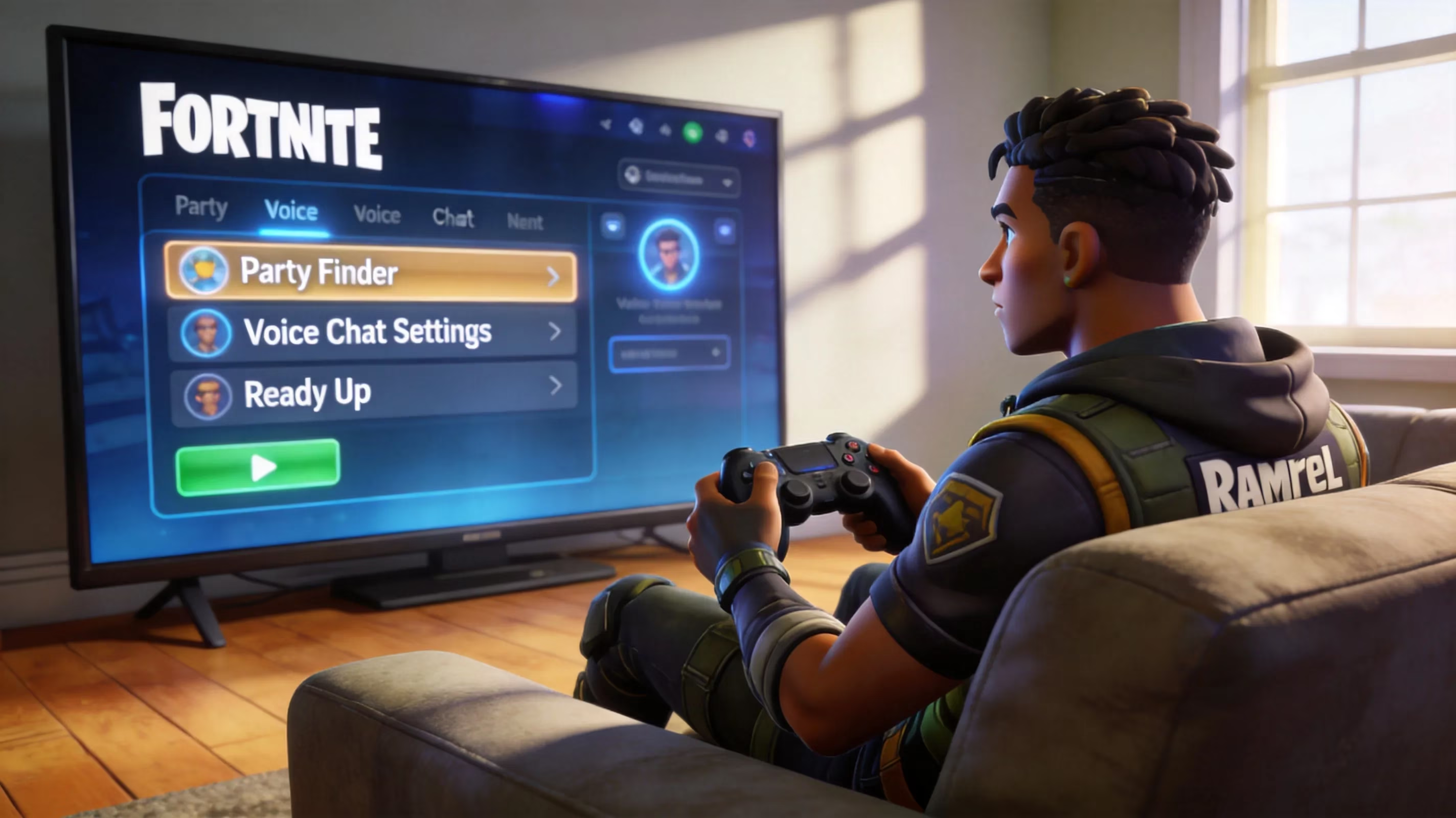
Cross-platform voice chat is where things get annoying most often. If your squad cannot hear each other, the problem is usually not crossplay itself. It is usually a conflict between Fortnite's audio settings and the platform's own party or permission settings.
A few fixes usually solve it:
-
In Fortnite, go to Settings > Audio and set Voice Chat to Game Channel
-
On PlayStation and Xbox, leave system-level party chat if it is overriding Fortnite voice
-
Check console audio permissions if voice chat is blocked at the system level
-
On PC, make sure push-to-talk settings are not conflicting with open mic
-
Disable or rebind any overlay software hotkeys that interfere with Fortnite voice chat
If you're playing with a mixed-platform squad, using Fortnite's own Game Channel is usually the cleanest setup.
Fortnite Cross Platform Problems and Fixes
Even though Fortnite's crossplay system is solid, a few issues come up over and over.
The most common one is friend requests not showing up. Usually, this comes down to a typo in the Epic display name or privacy settings blocking the request. Double-check the spelling carefully, and if needed, have the receiving player switch their privacy setting to "Public" temporarily while the request is sent.
Another frequent issue is the crossplay option being missing or greyed out. In most cases, Fortnite is not fully updated yet, or the game is in the middle of a patch rollout window. Restarting the game after the update finishes usually fixes it.
Matchmaking errors during crossplay sessions are more often network problems than account problems. The first thing to check is Epic's server status page at epicgames.com/status to see if your region is having issues. If the servers are fine, try flushing the DNS cache on PC or restarting your router. Those two fixes solve a surprising number of stubborn matchmaking failures.
The messiest problem is when a player has linked the wrong platform account to their Epic profile. For example, maybe you connected an old PSN account instead of your main one. Epic does let you unlink accounts through the Connected Accounts dashboard, but there is a cooldown of about two weeks before you can link a new account of the same platform type to that Epic account. So yes, you can fix it, but it is better not to make the mistake in the first place.
Conclusion
If you're still asking is fortnite cross platform, the answer in 2026 is a very clear yes. Fortnite lets players on different devices squad up easily, keeps progression tied to one Epic account, and makes crossplay the default for a reason.
The fastest way to get into games with friends is simple: sign into the correct Epic account, add each other using exact Epic display names, and keep crossplay enabled. If you do that, you'll get quicker queues, healthier lobbies, and way less friction when swapping between platforms.