
If you're trying to figure out when Fortnite will be back up, the short version is pretty simple: most standard Fortnite patch downtimes in 2026 last around 90 minutes to 3 hours, while full season launches usually take 4 to 6 hours. That said, the exact timing always depends on whether Epic is doing planned maintenance or dealing with an unexpected outage behind the scenes. And because Fortnite now stretches across Battle Royale, Zero Build, OG, Reload, Festival, LEGO Fortnite, and Save the World, downtime hits a much bigger ecosystem than it used to.
This guide breaks down what the current status usually looks like, how long Fortnite downtime tends to last, where you should check for accurate updates, and what to do if the game is technically back online but still not working for you.
When Will Fortnite Be Back Up Today
The first thing you need to check is whether you're looking at scheduled maintenance or a surprise outage. If it's planned downtime, Epic's official service tracker at status.epicgames.com will usually show active maintenance across specific systems like Login, Matchmaking, Parties, and Voice Chat. If it's unplanned, you'll often see the problem show up first through player reports and Downdetector spikes before Epic posts a formal update.
Epic's scheduled downtime pattern is pretty consistent. Matchmaking usually gets turned off about 30 minutes before the servers fully go offline, which gives players enough time to finish what they're doing instead of getting kicked out mid-match. Once the servers are fully down, PC players will typically see the familiar "Server Offline" message in the Epic Games Launcher.
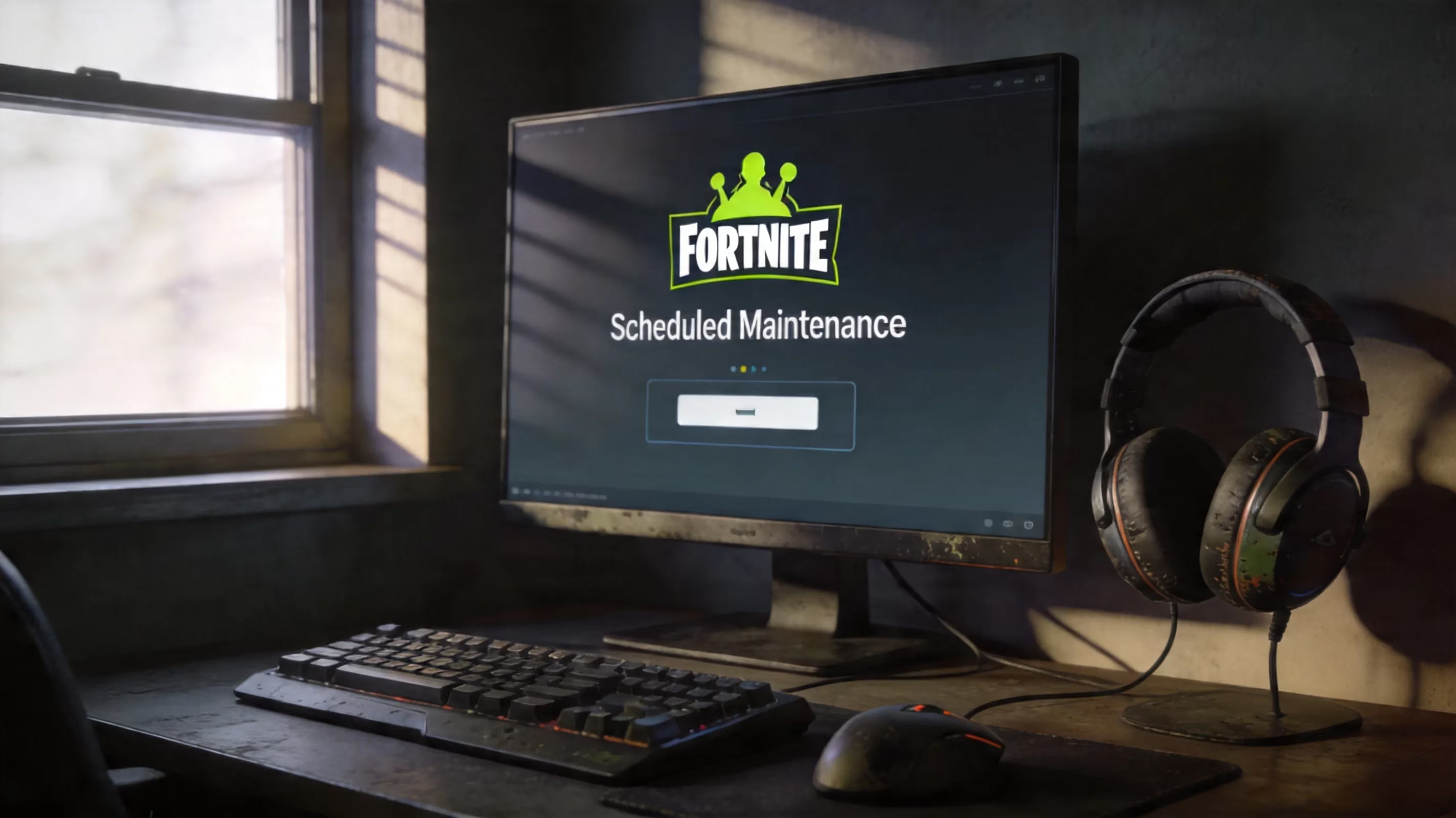
For a normal mid-season patch, the most realistic return window is usually 90 minutes to 3 hours after downtime begins. In practice, though, it can run longer if the patch is bigger than expected or if something breaks during rollout.
A couple of recent examples make that pattern pretty clear:
-
v40.10 — April 1, 2026: downtime started at 4 AM ET, with matchmaking disabled at 3:30 AM ET. A separate login and matchmaking issue pushed the real recovery slightly past the original 90-minute target.
-
Chapter 7 Season 2 launch — March 19, 2026: servers were down for roughly five hours, which lines up with the longer maintenance windows we usually see for full seasonal resets.
Fortnite Downtime Length by Update Type
Not every Fortnite update needs the same amount of downtime. A season launch is a very different beast compared to a small backend fix, and the maintenance window scales with that.
| Update Type | Typical Downtime Duration | Notes |
|---|---|---|
| Season launch (major) | 4–6 hours | New map, loot pool, Battle Pass |
| Mid-season patch | 90 minutes – 3 hours | Content additions, bug fixes |
| Hotfix | 0–30 minutes (server-side) | No client download required |
| Backend incident (unplanned) | Variable | Depends on incident severity |
Major season launches almost always take the longest. Epic isn't just flipping a switch here — they're pushing map changes, rotating the loot pool, enabling a new Battle Pass, and making sure the build behaves properly across every platform before matchmaking comes back.
We saw that with v40.00 on March 19, 2026, when the Chapter 7 Season 2 launch kept Fortnite down for about five hours. By comparison, v40.10 on April 1 was supposed to be a much shorter mid-season maintenance window at 90 minutes, though the overlapping login issue delayed full recovery a bit. Then v40.20 on April 16, 2026, which rolled out Showdown Act 2 and moved Save the World to free-to-play, landed closer to a two-hour downtime before servers returned.
Hotfixes are the easiest category. Since they're server-side, they usually don't require a client patch and often pass with little more than a brief matchmaking interruption. Unplanned backend incidents are the opposite — they can clear up in minutes, or they can drag on for hours if Epic has to untangle a deeper login or matchmaking problem. The March 30, 2026 login and matchmaking disruption is a good example of that unpredictability.
Fortnite Server Status Sources
If you want the fastest answer to when Fortnite will be back up, where you check matters a lot. Social media guesses are everywhere on patch day, but they're not what you should rely on.
status.epicgames.com should always be your first stop. It's the main source for Fortnite service health, and it breaks things down by component instead of giving you one vague "servers are down" message. You can see the status of Matchmaking, Login, Voice Chat, Item Shop, LEGO Fortnite Matchmaking, Fortnite Festival Matchmaking, Stats and Leaderboards, Fortnite Crew, and more. During the v40.10 downtime, for example, Fortnite services were offline while Rocket League, Fall Guys, the Epic Games Store, and Unreal Engine stayed up — something the status page showed right away.
@FortniteStatus on X is usually the fastest place for actual timing updates. Epic tends to post the downtime start time several hours in advance, including exact ET and UTC timestamps, and they normally follow up once services are restored. On April 1, 2026, the account posted: "Fingers go pew pew. Downtime for v40.10 begins at 4 AM ET (8 AM UTC) with matchmaking ending shortly beforehand." It also tends to be the quickest place Epic acknowledges an active incident.
Downdetector is useful, but mainly as a signal tool. If you see a sharp spike in reports, that usually means the issue is widespread and not just on your end. It's especially helpful in the early minutes of an outage, before Epic updates its own tracker. The best move is to compare Downdetector with the official Epic status page so you can tell whether the problem is global or maybe tied to one platform.
And don't ignore platform status pages. If you're on PlayStation, Xbox, or Switch, it's worth checking PSN Status, Xbox Status, or Nintendo Network Status too. Sometimes what looks like a Fortnite outage is actually a platform service problem blocking login or purchases.
Fortnite Downtime Times by Region
Epic announces Fortnite downtime in Eastern Time, but if you're not in ET, converting the timing quickly matters. For both v40.10 and v40.20 in 2026, the standard pattern was 4 AM ET / 8 AM UTC for full downtime, with matchmaking ending 30 minutes earlier.
| Region | Matchmaking Ends | Downtime Starts | Estimated Return (2-hr window) |
|---|---|---|---|
| US Eastern (ET) | 3:30 AM | 4:00 AM | ~6:00 AM |
| US Pacific (PT) | 12:30 AM | 1:00 AM | ~3:00 AM |
| UK (BST/GMT) | 8:30 AM | 9:00 AM | ~11:00 AM |
| Central Europe (CET) | 9:30 AM | 10:00 AM | ~12:00 PM |
| India (IST) | 1:00 PM | 1:30 PM | ~3:30 PM |
| Japan (JST) | 4:30 PM | 5:00 PM | ~7:00 PM |
| Australia (AEST) | 5:30 PM | 6:00 PM | ~8:00 PM |
One thing worth keeping in mind: Fortnite does not come back region by region. There isn't a staggered rollout where one area gets access early. Matchmaking shuts off everywhere at the same time, and the servers return everywhere at the same time too.
If you've already downloaded the patch before maintenance ends, you're in a much better spot. Once the servers reopen, you can jump straight in instead of sitting through a last-minute update queue while everyone else is trying to log in.
Fortnite Not Back Up for You
Sometimes Epic says everything is operational, but you're still stuck. If that happens, the issue usually isn't the Fortnite servers anymore — it's more likely your client, your platform, or your connection.
The most common thing players run into after big updates is the login queue. This happens a lot during season launches and major event patches. Once the servers go live, millions of players try to get in at once, and Fortnite responds with a "Waiting in Queue" screen. Annoying, yes, but normal. If you close the game, you usually lose your place and make the wait longer.
Another common problem is Matchmaking Error 1, which points to a failed server connection. That can happen during maintenance, during a live outage, or because of issues on your own network like unstable internet or a strict NAT type. If Epic's services are already marked operational, the usual fixes are:
-
Restart your router.
-
Switch from Wi-Fi to wired ethernet if possible.
-
Make sure Fortnite isn't being blocked by a firewall.
-
Check that UDP/TCP 5222 and 5795–5847 are open.
An outdated game build can also stop you from getting in. When Epic pushes a patch, every platform gets the new version through its own store or launcher. On PC, the Epic Games Launcher usually catches this automatically, but not always. On console, you may need to manually refresh the game page or force a check for updates.
PC, PlayStation, Xbox, Switch
Here are the platform-specific checks that tend to help the most when Fortnite is still not back up for you:
-
PC
-
If the Launcher still says "Server Offline" long after the expected return time, run a file verification: Library → three-dot menu → Manage → Verify
-
If login screens keep failing, clear the Launcher's web cache at
%localappdata%\EpicGamesLauncher\Saved\webcache -
PlayStation
-
Check your NAT type under Settings → Network → Test Internet Connection
-
NAT Type 3 (Strict) can interfere with matchmaking even when PSN is working fine
-
Use Restore Licenses under Account Management if entitlement issues show up after a major patch
-
Xbox
-
Do a hard reset by holding the power button for 10 seconds, waiting 30 seconds, then restarting
-
If NAT problems keep showing up, clear the alternate MAC address under Advanced Network Settings
-
Nintendo Switch
-
Clear cache through System Settings → System → Formatting Options → Reset Cache
-
After v40.20, tournaments were temporarily disabled on original Switch hardware because of a crash bug, so mode-specific warnings on the Epic status page matter here
Fortnite Modes Still Affected
Even when Fortnite is "back up," not every mode always returns at the exact same moment from a practical standpoint. That's because not all modes sit on the exact same backend stack.
During v40.10, for example, LEGO Fortnite Matchmaking and Fortnite Festival Matchmaking appeared as separate components on Epic's status page. That means those modes can run into isolated issues even if core Battle Royale is already stable again.
Here's the general pattern:
-
Battle Royale, Zero Build, OG, and Reload usually return together because they share the main Battle Royale matchmaking stack
-
Festival, LEGO Fortnite, and Save the World rely on more distinct service layers, so they can be affected separately
-
After v40.20 made Save the World free-to-play on April 16, 2026, that mode saw heavier load, so players having trouble there should check its dedicated service component instead of only looking at the general Fortnite listing
Fortnite April 2026 Update Impact
April 2026 was a pretty busy stretch for Fortnite maintenance. Epic pushed two notable patches within just over two weeks, and there were also several service incidents around that same period.
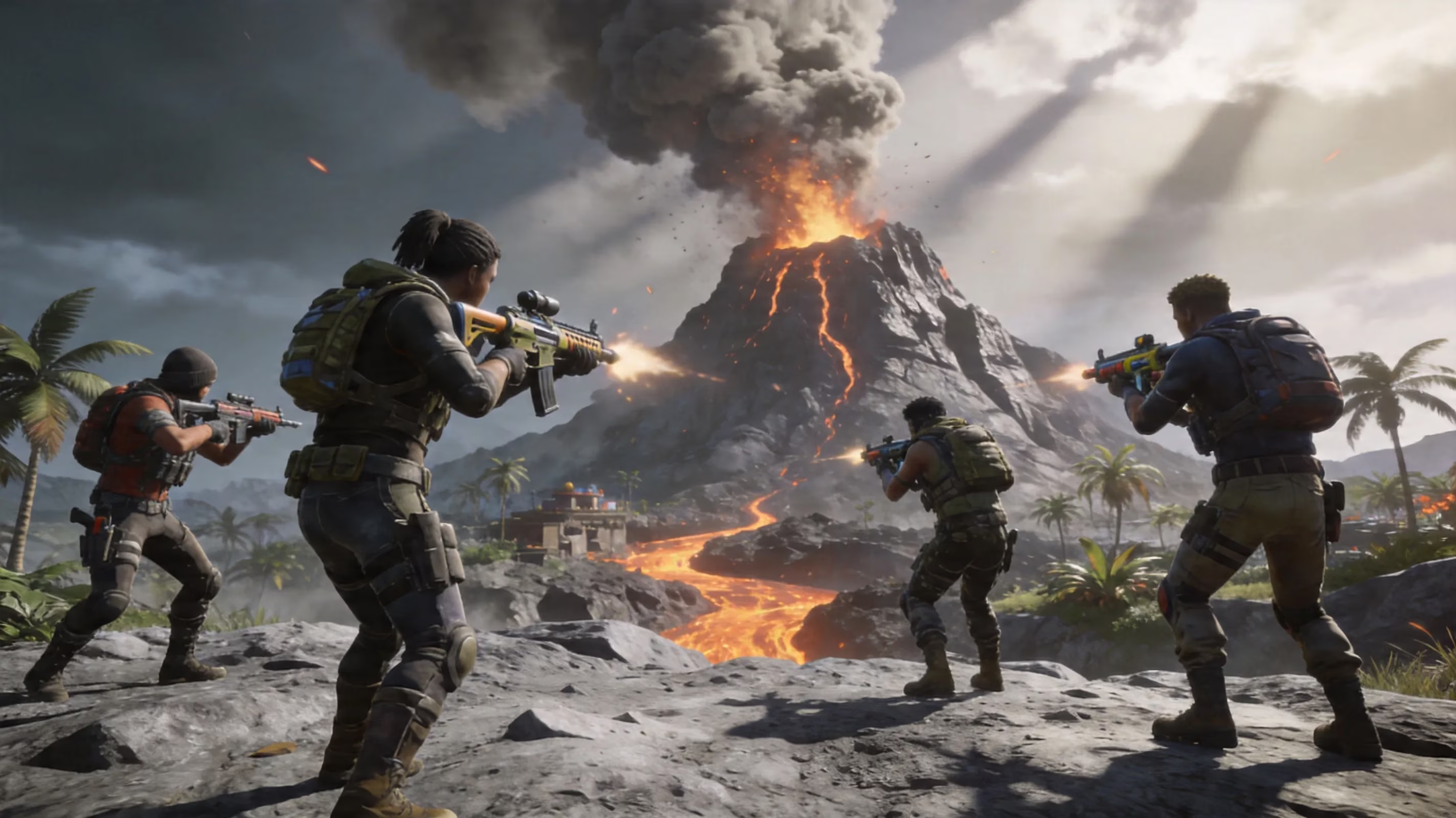
The v40.10 update on April 1 launched Fortnite OG Season 8, taking the OG mode back to Chapter 1, Season 8 from 2019. That brought back the Volcano POI, Lazy Lagoon, Sunny Steps, the Pirate Cannon, and a fresh OG Battle Pass. Epic scheduled the downtime for 90 minutes starting at 4 AM ET, but a separate login and matchmaking issue appeared at 5:53 AM UTC. Epic identified and resolved it within 18 minutes, though it still slowed down access for players trying to reconnect right after maintenance. The Avengers Endgame LTM also returned with this patch and went fully live on April 3.
Then came v40.20 on April 16, which rolled out Showdown Act 2 and finally shifted Save the World into a free-to-play model. Downtime started at 4 AM ET / 8 AM UTC and was scheduled for about two hours, pointing to a return around 6 AM ET. This patch also added Laufey as the Fortnite Festival Season 14 Icon, introduced WWE crossover skins for Stone Cold Steve Austin and Liv Morgan, brought in the Reload Elite Stronghold map, and launched the LEGO Fortnite NINJAGO Embers of Chaos update. At the same time, Ballistic and Festival Battle Stage were sunset, while Rocket Racing remained on track for removal in October 2026.
The Showdown Act 2 rollout happened alongside all of that. Players who already owned Save the World before the free-to-play switch got Founder rewards on April 16, including daily V-Bucks and Supercharger bonuses. New players, meanwhile, gained access to the mode and received the Snowstrike Hero on first login.
There was also some instability in the lead-up to April. Unplanned incidents on March 21, March 22, and March 30 included login disruptions, EOS login failures, and Xbox V-Bucks purchasing errors. So for a lot of players, server trouble wasn't just a one-day thing — it showed up across multiple days around the same patch cycle. More than anything, that stretch reinforced why checking @FortniteStatus proactively is way better than assuming Fortnite is stable between updates.
Conclusion
The quickest way to answer when Fortnite will be back up is still a simple two-step check: look at status.epicgames.com for the raw service status, then check @FortniteStatus on X for timing updates and incident context. For patches like v40.10 and v40.20, a realistic expectation is usually two to three hours from the start of downtime, though overlapping issues can easily add another 30 to 60 minutes.
If you want the smoothest return possible, make sure your patch is already downloaded, keep your NAT type open, and verify your client if something feels off. That way, when Fortnite does come back online, you're ready to log in immediately instead of troubleshooting a problem that was never on Epic's side in the first place.